How do I delete a conversation?
Deleting a conversation removes it from the conversation overview. This can be useful when a conversation no longer needs to be kept in the inbox. Make sure you only delete a conversation when you are certain it is no longer needed.
In this article, you will learn how to delete a conversation in the Saysimple platform.
Note:
Deleting a conversation is permanent and cannot be undone.
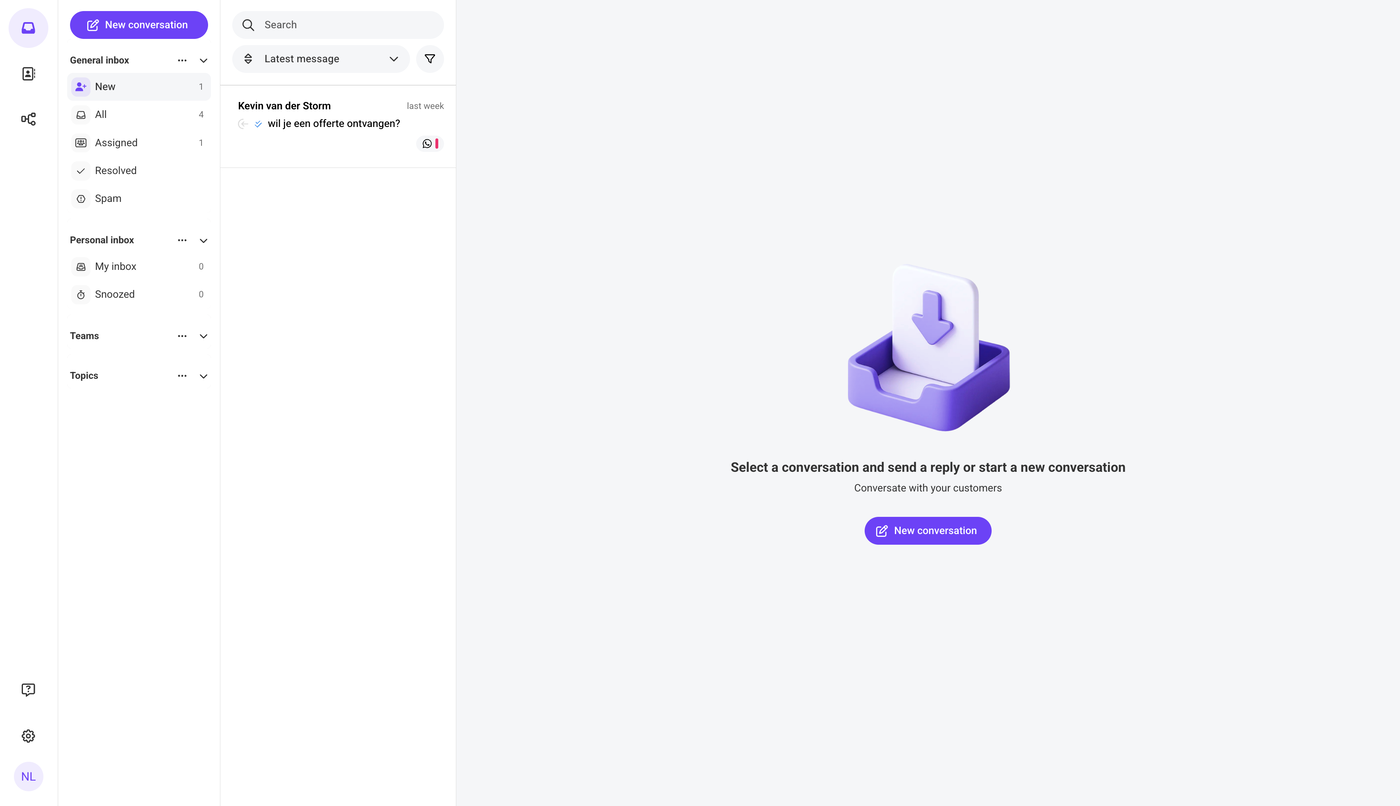
1. Open the inbox
After logging in, the Saysimple platform opens the inbox automatically, this is where incoming conversations are collected and organized.
2. Go to the conversation you want to delete
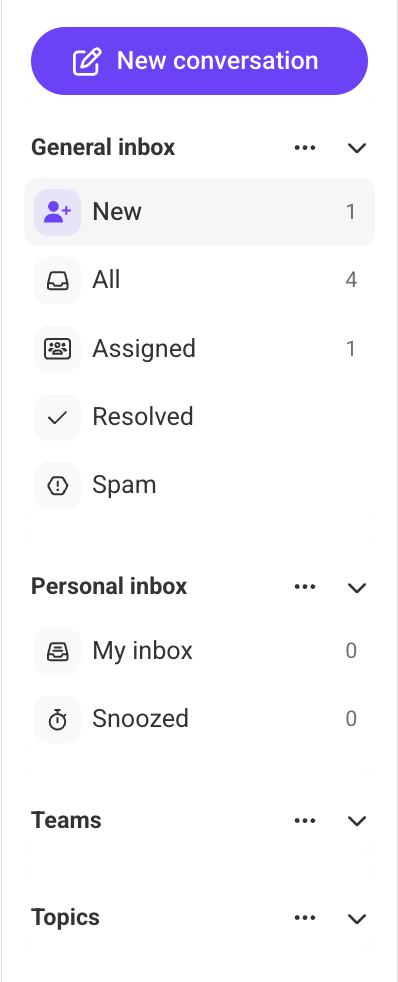
Use the navigation menu on the left side of the screen to find the conversation. You can use one of the available filters, such as New, All, Assigned etc. Depending on where the conversation is located.
3. Open the conversation
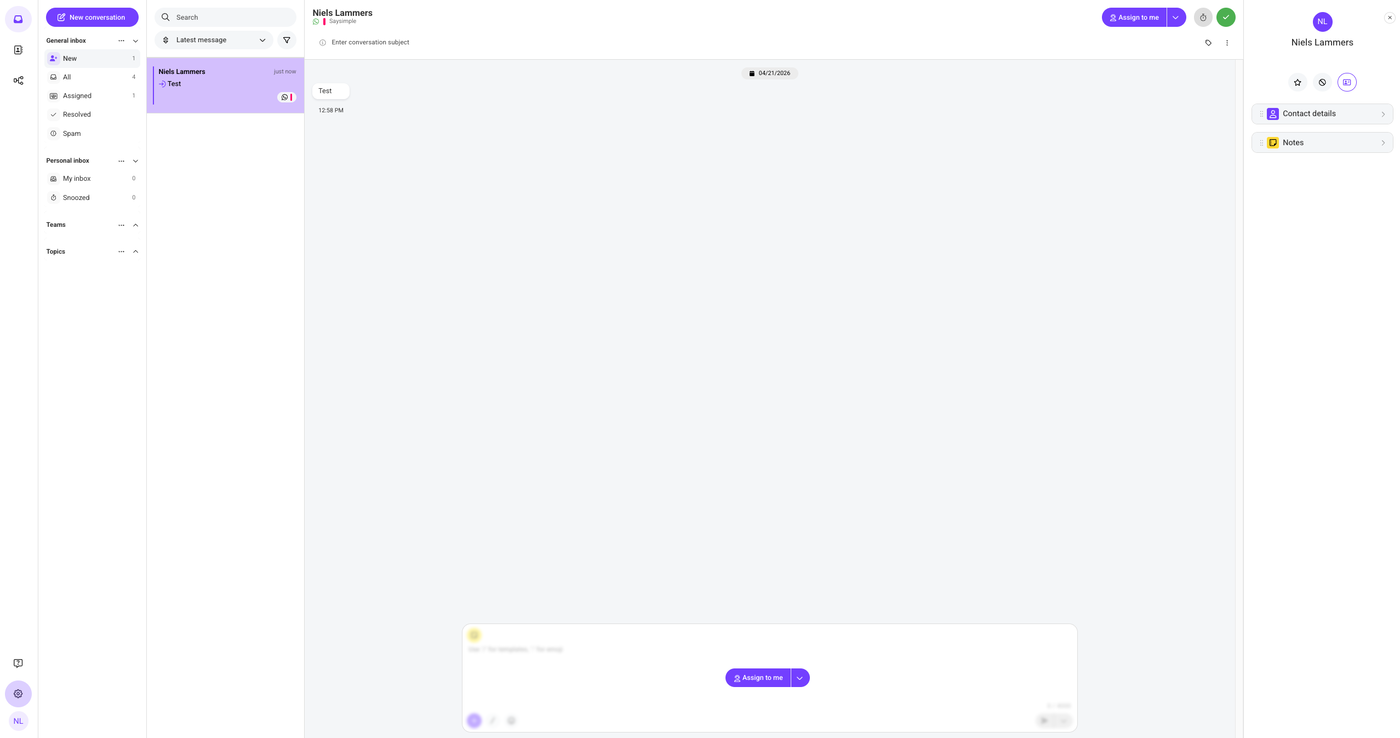
4. Click the three dots
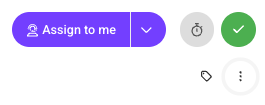
In the top-right corner of the screen, below the resolve option with the checkmark icon, you will see three dots. Click these three dots to open the dropdown menu.
5. Click “Delete”
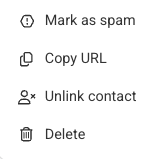
In the dropdown menu, several options will appear. Click “Delete”, which is the bottom option in the menu.
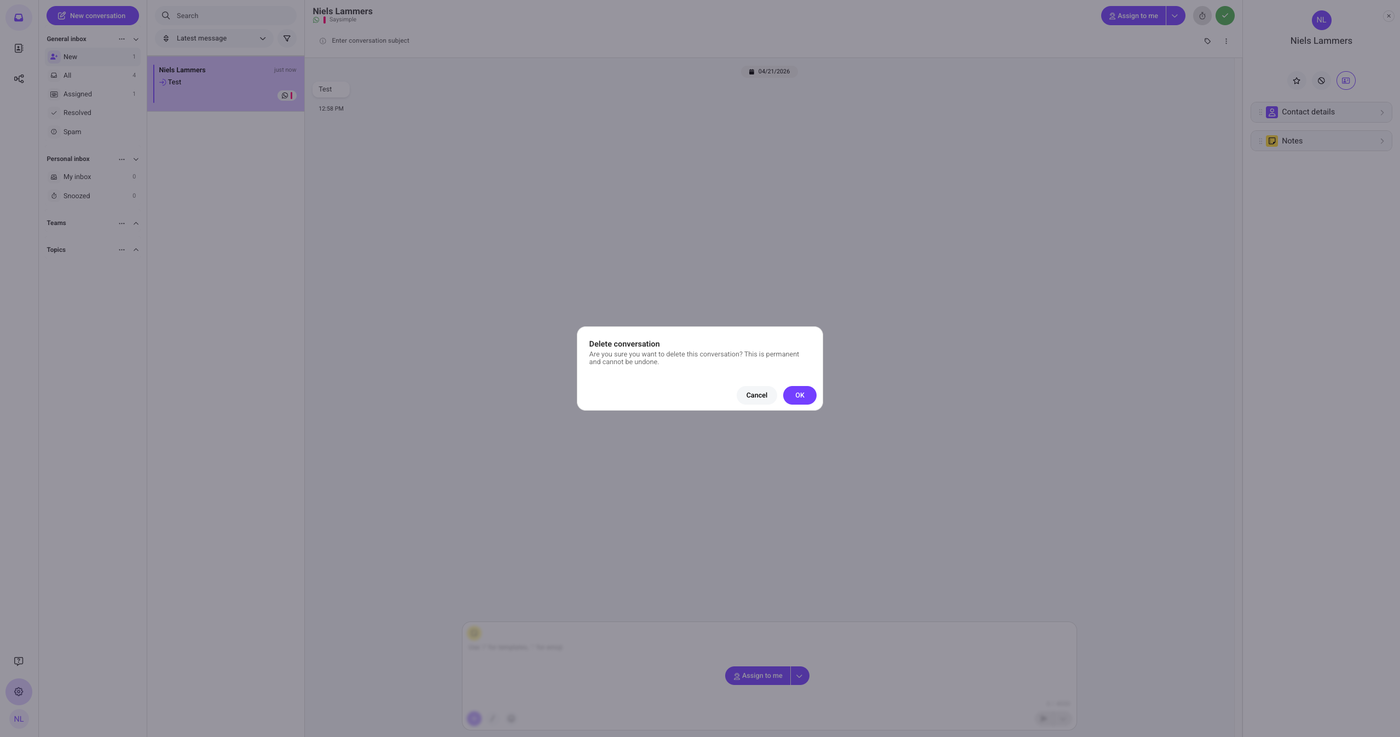
6. Click “OK” to delete
A final warning will appear on the screen. When you are sure you want to delete the conversation, click “OK.”