How do I add a contact?
In this article, we explain how to create a contact in the Saysimple platform by following the steps below.
Navigate from the inbox to the contact page via the menu on the left side.

To create a new contact, click the “+ Create new contact” on the top right.

Fill in the contact details.
After you click + Create new contact, the Saysimple platform opens the page where you can enter the contact details.
On this page, you can add all relevant information for the contact. You can also add multiple phone numbers and multiple email addresses if needed.
When you enter a phone number, always include the country code. For example: +31 123456789.
You can also create and assign custom labels to the contact. This helps you organise contacts more easily in the Saysimple platform and makes it possible to filter contacts based on those labels later.
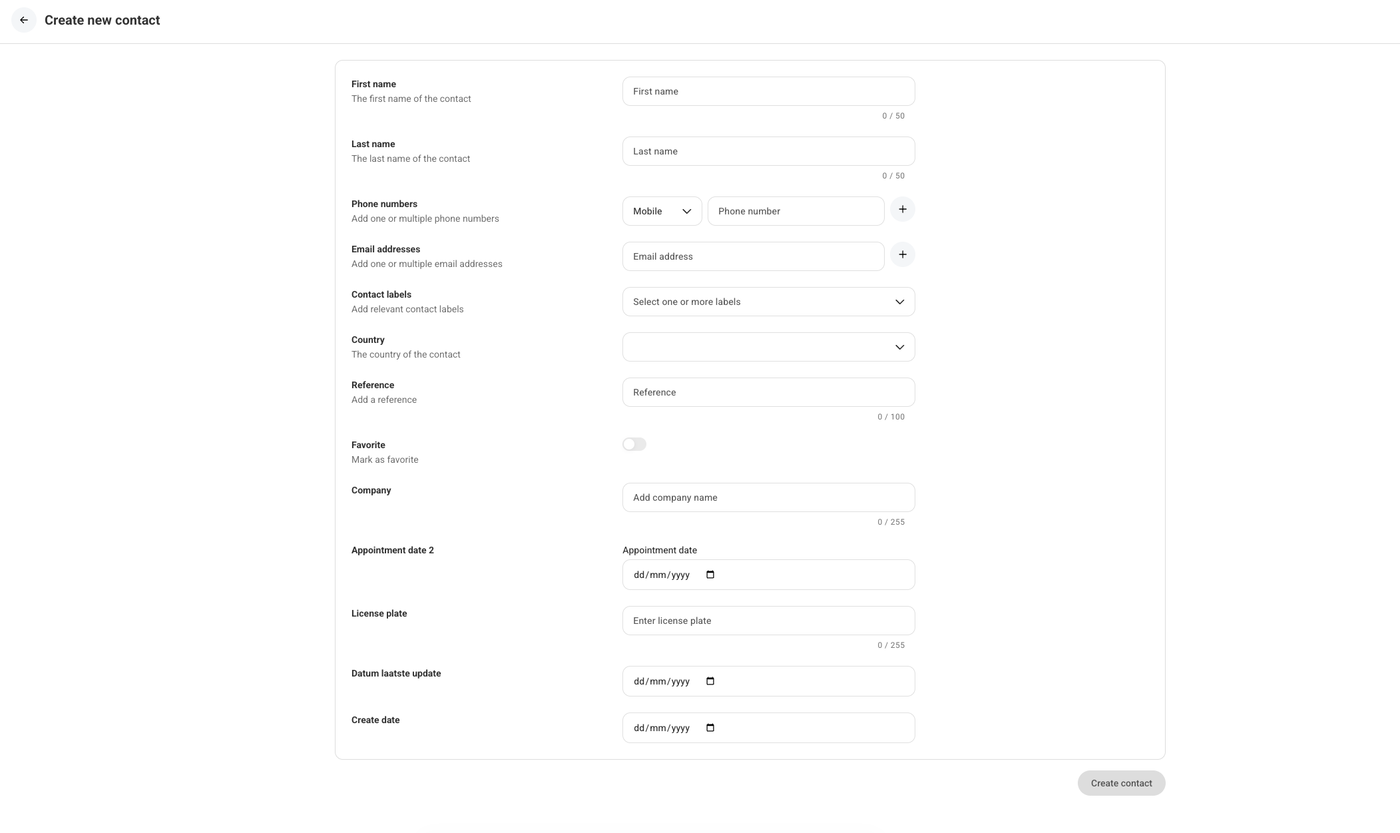
Don't forget to click the “add contact” button once you have filled in all the details.